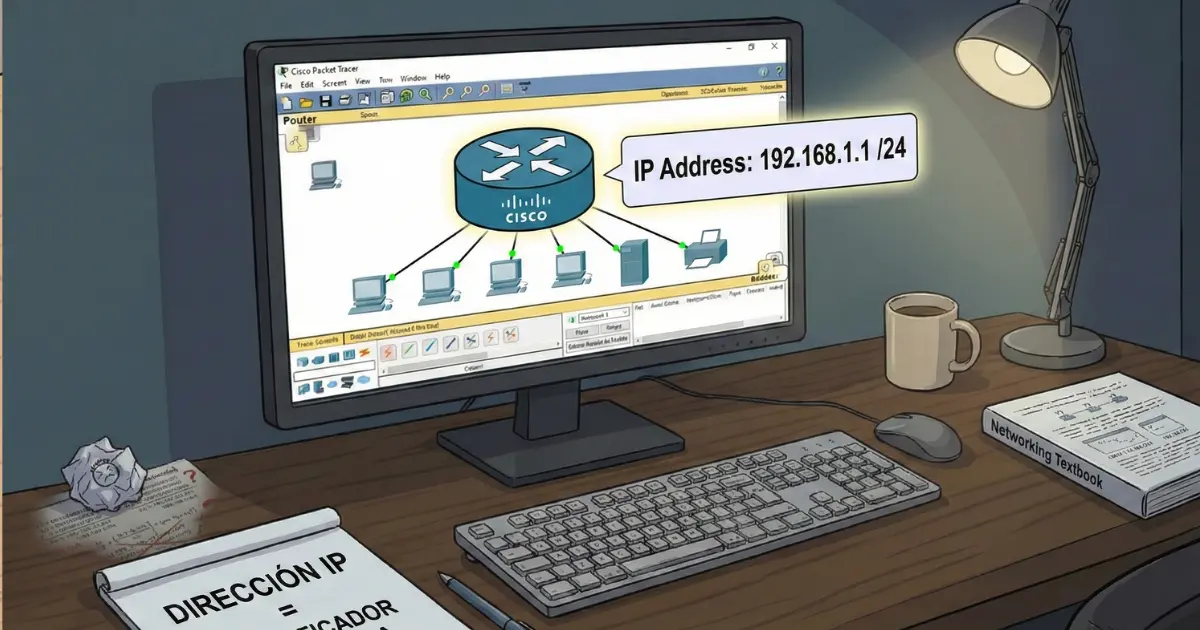
An IP address is one of those concepts everyone mentions when talking about networks, but it can sound confusing at first. The underlying idea is actually very simple: an IP address identifies a device within a network.
Just as a postal address tells you which house should receive a letter, an IP address tells network data which device it needs to reach.
What is an IP address used for?
An IP address mainly serves two purposes:
- Identify a device within a network. Each device needs a unique IP address to avoid conflicts.
- Allow data to reach the correct destination. Every IP packet includes a source IP and a destination IP.
How an IP address works: the key idea
Imagine a network as a building:
- The network is the building
- The devices are the apartments
- The IP address is each apartment number
- The router is the exit from the building
Devices inside the same network can communicate with one another because they belong to the same “building.”
IPv4 and IPv6
IPv4
This is the classic format and is still widely used on local networks. It uses four numbers from 0 to 255 separated by dots.
192.168.1.25IPv6
This is a newer and much longer format created to solve IPv4 address exhaustion.
2001:0db8:85a3:0000:0000:8a2e:0370:7334Public and private IP addresses
Private IP address
This is the IP address a device uses inside a local network. It is not directly visible from the public internet.
10.x.x.x
172.16.x.x – 172.31.x.x
Public IP address
This is the address your internet provider assigns to your router or internet connection. It is the address visible from outside the local network.
Subnet mask
An IP address is usually paired with a subnet mask or CIDR prefix, which indicates which part identifies the network and which part identifies hosts.
192.168.1.25/24- Network: 192.168.1.0/24
- Hosts: 192.168.1.1 – 192.168.1.254
- Broadcast: 192.168.1.255
Gateway
The gateway is the IP address of the device that connects your network to other networks, usually the router.
192.168.1.1How IP addresses are assigned
DHCP
The router or DHCP server assigns IP addresses to devices automatically. This is the usual setup on home networks.
Static IP
The address is configured manually and is often used for servers, printers, or devices that should keep the same IP address.
Real home-network example
Router: 192.168.1.1
PC: 192.168.1.20
Phone: 192.168.1.30
TV: 192.168.1.40
Inside the network, devices can communicate directly. To reach the internet, they send packets to the router.
Final summary
- Private IP: used inside the local network
- Public IP: used toward the internet
- The subnet mask and gateway complete the basic IP configuration
Understanding this clearly is the first step toward mastering subnetting, routing, and computer networks in general.